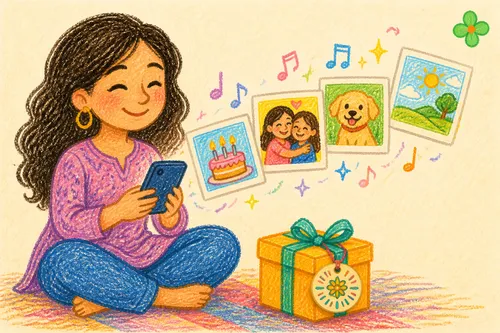
We’ve all given cards. “Happy Birthday.” “Congratulations.” “Thank you.” And then? The card goes into a drawer, the ink fades, and that line is never read a second time.
But some feelings don’t fit into words.
🎬 A card that speaks
A Video Gift Card is a card with an NFC chip inside. The person you give it to taps it with their phone, and up pops a video you recorded yourself — your face, your voice, the way you laugh halfway through a sentence. All of it, right there.
No app to install for grandma, no friend request, no QR code to scan. Tap, and it plays.
💝 Which moments deserve a hidden video?
Birthdays
Instead of posting “Happy Birthday” in a group chat, record a message just for them. Every birthday, they can tap it again and hear you say it again.
Goodbyes & missing someone
Family moving away, a child about to graduate, a colleague retiring — some goodbyes never get said properly. Record the words, and let the card keep you close.
Weddings & anniversaries
Cut your memories — from first date to proposal — into a short film, and hide it inside a card. Hand it over on the day that matters most; it’s more moving than any speech.
A gift for the future
Record a message for your one-year-old, to be tapped open when they turn eighteen. Time passes, but the you of this moment stays.
🎀 Why a video, not just a link?
Sure, you could send a YouTube link. But links get buried, forgotten, lost in a sea of messages.
A physical card is different — it can be kept, held, placed beside a photo frame. It’s a tangible vessel for your feelings, with the video as the surprise tucked inside.
🛠 How to make one
- Create a “Video Gift Card” in the dashboard
- Paste your video link (supports YouTube, Vimeo, Google Drive, and other common sources)
- Write the link to the NFC card, wrap it, and give it away
Each cloud platform has different “sharing permission” requirements, and the dashboard guides you through the setup when you create a card. For the full list of supported sources and permission notes, see the “Supported video links” guide in the help center (dashboard login required).
Create your first Video Gift Card: From the card-create page, pick “Video Gift Card”.